Google CRM: Best Options for Google Workspace (2026)
· Quokka · 13 min read
On this page
A Google CRM usually means CRM software that connects with Google Workspace. Google doesn't list a dedicated sales CRM among its core Workspace applications. Its official product list includes Gmail, Google Calendar, Google Drive, Docs, Sheets, Meet, and other productivity tools.
Quokka is our pick for small B2B sales teams of about 5 to 20 people using Gmail. It reads connected Gmail and Google Calendar, builds deals and contacts from conversations, and shows the source behind each fact. It costs $49 a month for the whole team. Quokka is our product.
This guide compares six options on their Google connections, setup choices, contact management, and team prices. It also explains which jobs Google Workspace tools handle and which jobs need a dedicated CRM. That distinction helps Google Workspace users choose around the work their team does each week.
If you're looking for a CRM for G Suite, evaluate the current Google Workspace connections. Google introduced the Workspace brand in 2020, bringing its familiar productivity apps under that name.
Compare six Google Workspace CRM options
Prices checked on October 13, 2026. Figures are USD before taxes and extras. Annual rates are monthly equivalents on annual billing; HubSpot uses its standard monthly list price.
| CRM and selected plan | Best for | Google connection | Monthly rate | Ten paid users |
|---|---|---|---|---|
| Quokka, Our pick | Pipeline built from conversations | Connected Gmail and Google Calendar | $49 per workspace, monthly | $49 |
| Copper Professional | Relationships and configured workflows | Gmail, Calendar, contacts, and Drive connections | $59 per user, annual billing | $590 |
| Streak Pro | Shared pipeline inside Gmail | Gmail pipeline with Google Workspace integrations | $49 per user, annual billing | $490 |
| Pipedrive Growth | Visual opportunities and activities | Email and calendar sync | $39 per user, annual billing | $390 |
| HubSpot Sales Hub Starter | Shared customer records across business teams | Connected Gmail and meeting scheduling | $20 per user, standard list rate | $200 |
| Zoho CRM Standard | Configurable records at a modest rate | Email integration, including Gmail APIs | $14 per user, annual billing | $140 |
Want to see Quokka on your own pipeline? Start your free trial. 14 days free, no card needed. Then $49 a month for your whole team.
These plans aren't identical bundles. Compare the job each connection performs, rather than counting Google logos. If inbox access is your main concern, see the separate CRM for Gmail comparison.
1. Quokka: Our pick for sales teams on Gmail and Google Calendar
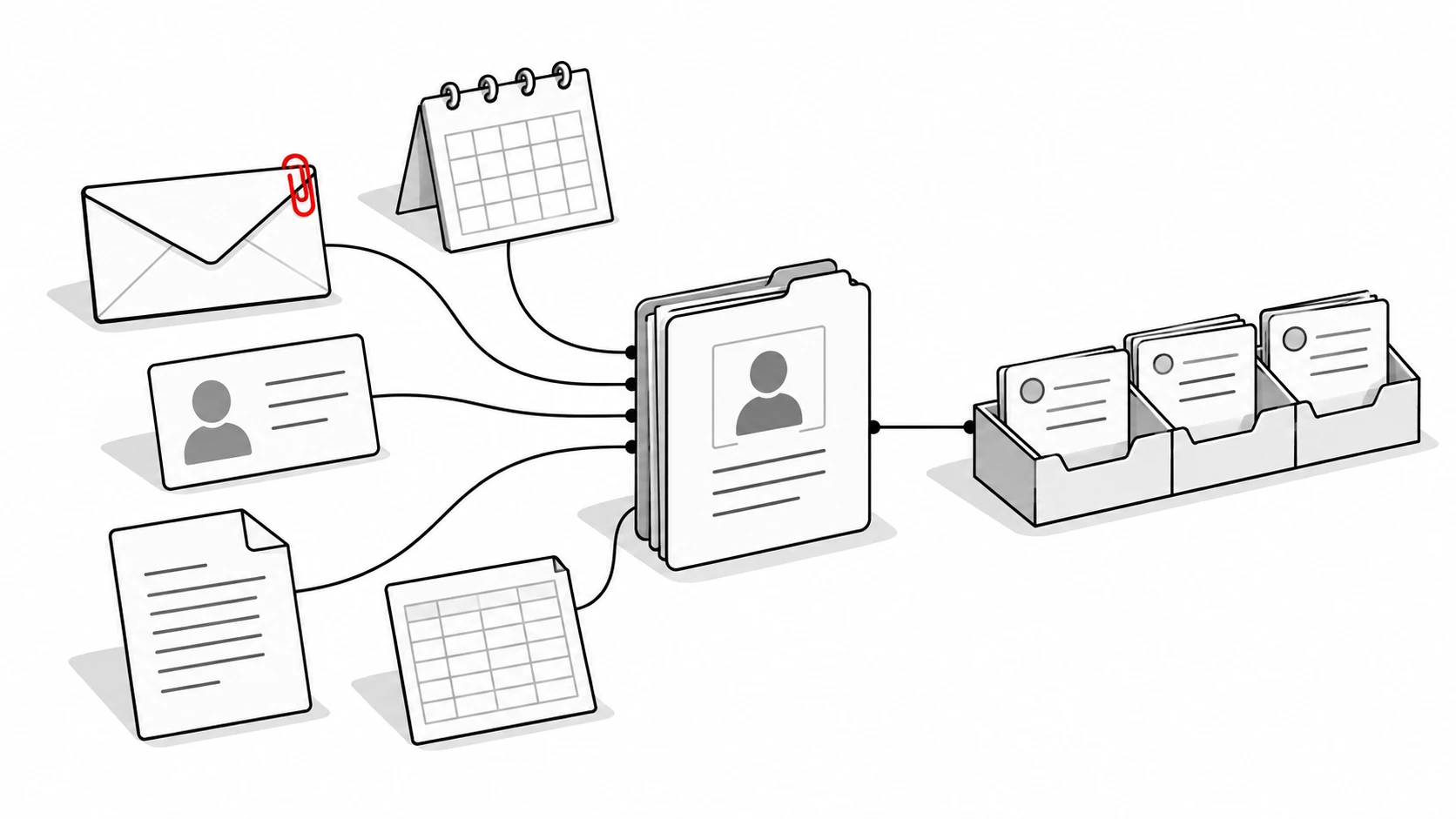
Quokka builds deals, contacts, companies, values, next steps, and promises from a team's connected Gmail and Google Calendar. It suits B2B teams whose customer interactions already happen in email. Nobody has to copy those conversations into notes.
Each fact has a source. Open an amount or next step to see the email sentence behind it. That gives the manager a way to inspect the record while discussing an opportunity with its owner.
Key features and setup
The Today view ranks deals that need attention and explains why. It can surface a buyer who went quiet, a promise you owe a customer, or a declined meeting. Reps can use that shortlist to decide where to start.
Quokka drafts follow-up emails in the relevant thread. You edit, approve, and send them from your own mailbox. Nothing is sent automatically, so the rep controls the customer message.
The forecast shows its deals and amounts, including what is missing. Managers can see deals and results by owner. Custom columns and filters help the team read the deals list in the way it needs.
Connect Gmail and Google Calendar to begin building the pipeline. For a call or meeting Quokka couldn't see, tell the chat panel what happened. You can import closed-deal history from a CSV export, and undo an import within 48 hours.
Pricing
Quokka is $49 per workspace per month, with all features and unlimited users. Five, ten, and twenty teammates pay the same workspace price. See Quokka pricing for the current terms.
2. Copper CRM Professional: Best for Google-connected relationships
Copper connects customer records with the Google Workspace environment. Its official feature guide describes Gmail, Google Calendar sync, contact sync, and Google Drive integration. Professional adds workflow automation, bulk email, reporting, and integrations.
Its strength is bringing structured relationship information near familiar Google tools. That suits account owners who need contact details, communication history, and opportunities together. The Chrome extension brings CRM access into Gmail and Calendar on desktop.
Setup and what to watch for
Choose your pipelines, connect accounts, and define the fields people will maintain. Check calendar events against the right record. Test whether another teammate can understand the opportunity from that shared information.
Professional has a 15,000-contact limit on the current pricing page. Email automation also differs by tier: Professional supports a single automated email, while multi-step series require Business. Match the chosen tier to the process you need.
Pricing
Copper Professional costs $59 per user per month, paid annually. Ten users cost $590 a month equivalent. Prices checked on October 13, 2026.
3. Streak Pro: Best for sales work within Gmail
Streak CRM puts structured pipelines inside Gmail. It suits a team that wants to read mail and manage opportunities within the familiar Google environment. Pro includes shared pipelines, unlimited records, and automatic email sharing, according to Streak's pricing page.
Its strength is the location of the work. Reps can manage contacts and opportunities alongside customer conversations. Pro also lists Google Workspace integrations for Gmail, Calendar, Drive, Sheets, and Chat.
Setup and what to watch for
Create a pipeline with the fields and stages the team needs. Streak's pipeline guide explains the record structure. Test a shared opportunity and check which details update without data entry.
Pro includes mail merge with automatic follow-ups and email tracking. Pro+ adds rule-based automations, direct integrations, and advanced reporting. Choose around the exact actions you intend to run.
Pricing
Streak Pro is $49 per user per month, billed annually. Ten users cost $490 a month equivalent. Prices checked on October 13, 2026.
4. Pipedrive Growth: Best for a visual pipeline and synced activities
Pipedrive Growth suits teams that want a separate sales CRM with connected Gmail conversations and calendar events. Its strength is a defined visual pipeline with activity planning and configured follow-ups. Growth includes email sync, automations, nurturing sequences, scheduling, and forecast reports.
The email-sync guide confirms full sync starts at Growth. The calendar-sync guide explains how activities connect with external calendars. Check both connections against the team's working account.
Setup and what to watch for
Define stages, connect mailboxes, and choose the rules for repetitive tasks. Test an email and a rescheduled meeting. Inspect the deal amount and next step separately from the captured communication history.
Growth allows one synced email account per user, with plan limits shown in Pipedrive's usage guide. Also decide who maintains the workflow rules. Google Workspace integration is useful when the resulting record supports the next decision.
Pricing
Pipedrive Growth costs $39 per user per month on annual billing. Ten users are $390 a month equivalent. Prices checked on October 13, 2026.
5. HubSpot CRM with Sales Hub Starter: Best for connected teams
HubSpot suits teams wanting sales, marketing, and service to share customer data. Its strength is a customer record that can serve several functions as the relationship develops. A connected individual Gmail account supports email sending and reply logging.
The email-connection guide describes the requirements. Starter includes email tools, meeting scheduling, shared conversations, and restricted workflows. More advanced sales features require higher tiers.
Setup and what to watch for
Connect work email, choose logging settings, and test the meeting scheduling setup. Verify who has access to the record and which captured interactions they can see. Check the contact and opportunity separately.
Use the Product & Services Catalog to check tier limits. A Gmail connection doesn't include every marketing tool or automation advertised elsewhere in the platform. Confirm the chosen plan and renewal terms.
Pricing
Sales Hub Starter starts at $20 per user per month at its standard list rate. Ten paid users cost $200 a month. Prices checked on October 13, 2026.
6. Zoho CRM Standard: Best for configurable customer records
Zoho CRM Standard suits Google users who want configurable contact, account, and deal records. Its strength is structured CRM functions at a modest per-user price. Standard includes multiple pipelines, forecasting, and workflow rules in Zoho's edition comparison.
Standard also includes email integration, including Gmail APIs. Zoho confirmed that change in an official product update. That connects email context with the fields and rules the team defines.
Setup and what to watch for
Choose fields, connect the team's email, and test which record receives a conversation. Check the conditions behind each workflow. CRM data entry and a captured email are separate jobs to evaluate.
Some process features require a higher edition. Blueprint starts at Professional, for example. Decide whether Standard's available workflow automation covers the intended job before buying.
Pricing
Zoho CRM Standard is $14 per user per month, billed annually. Ten users cost $140 a month equivalent. Prices checked on October 13, 2026.
What Google Workspace handles before you add a CRM
Google Workspace gives the team business email, shared calendars, documents, spreadsheets, and collaboration tools. A dedicated CRM adds a shared structure for customer relationships and opportunities. Decide which records the sales team needs to maintain beyond its existing Google apps.
The Workspace product list now includes Google Gemini and other AI tools. Their presence doesn't make every Workspace document a sales pipeline. Check which customer relationship management tasks the product actually performs.
Google Contacts and Google Calendar
Google Contacts holds contact information, while Google Calendar schedules meetings. A sales team also needs to connect people and meetings with the right deal. The CRM should make that relationship understandable to someone else.
Test a contact detail that changes and a meeting that moves. Check where those edits appear, who can see them, and whether the next step remains clear. Calendar sync should be assessed alongside the structured opportunity.
Google Sheets and Google Docs
Google Sheets can hold a list of deals, owners, amounts, and next steps. Google Docs can hold notes and shared documents. Someone still needs to connect those records with what happened in the customer conversation.
A spreadsheet can be a workable basic CRM for a small set of opportunities. As more reps share it, check the work involved in keeping fields current. This guide compares dedicated tools rather than providing a spreadsheet setup tutorial.
Google Drive, Meet, and other tools
Google Drive holds shared files, and Google Meet handles video conversations. Decide which of those records needs to appear in the sales workspace. Check whether a CRM connects a file, captures a meeting, or simply links to an existing item.
Project management, marketing automation, web forms, and sales automation are different jobs. Google Analytics and Google Looker Studio may also be relevant to a company's reporting work. Evaluate those requirements separately from ordinary deal tracking.
How to choose a CRM for Google Workspace
Start with an active opportunity that uses Gmail and Google Calendar. Include several customer interactions and an agreed next step. Compare what each product captures automatically and what someone must maintain.
A top-tier CRM subscription only helps when the selected features match the team's process. Count the users who need access and the fields they will use. Define what the manager needs to inspect before adding more tools.
Check CRM integration with Google Calendar
Two-way Gmail sync can mean bringing sent and received messages into the CRM. It doesn't by itself prove that the product updates deal values or builds new opportunities. Test record creation and field updates separately.
With a CRM's Google Calendar integration, inspect the meeting's link to the relevant customer. Check what happens when its time changes or the invitation is declined. The record should help a rep decide the next action.
Decide who owns record keeping
Quokka builds deals and facts from connected email and calendar conversations. Other products combine synced history, editable records, and configured rules. Identify what each person must do after the connections are set up.
This makes the comparison useful beyond a list of CRM features. CRM adoption explains why required admin can be difficult to sustain. Choose a process the team can maintain during ordinary customer work.
Inspect contact records and pipeline management
CRM tools connect contact records with opportunities, owners, and next steps. A small business team needs to see how those relationships work across several Gmail users. Check the same customer in the Gmail inbox and the shared sales workspace.
That makes manual data entry part of the comparison. A CRM system may sync activity while someone still edits the deal fields. Inspect the resulting sales data rather than assuming every integration performs the same work.
For Gmail integration, separate a sidebar from a connected account and a Gmail CRM pipeline. Also distinguish a tool that captures email from one that uses its content to update facts. The best CRM for your team should make its required job clear.
Test the tasks beyond email capture
Email templates can help with repeated messages, while workflow rules can create tasks when conditions match. Check whether those actions are included on the chosen plan. Ask who maintains the conditions and what happens when the customer's situation changes.
If the team needs a recorder for Google Meet calls, evaluate that feature separately. A calendar connection alone doesn't prove that a product captures the meeting's content. Data validation, reporting, and task creation each need their own check.
Check free plans and the limits they set
Google doesn't list its own CRM software among Workspace's included apps. Some connected vendors offer free editions of their products. These can help evaluate a job, but user counts and available features matter for a whole team.
Zoho CRM's free edition supports three users. HubSpot's free sales tools support two. Count everyone who needs access before treating a free plan as the team's working configuration.
Check user permissions and shared context
Understand what information the connected CRM can read and which users can see it. Confirm the publisher and account permissions before rollout. Include the person who manages the company's Google Workspace settings.
Then test a handoff between two sales reps. The second person should understand the customer position from the shared record. Every fact needs a receipt explains the value of being able to inspect a source.
Compare setup and team costs
Map the fields and connections required for your own sales process. Test the user interface with the people who will use it. A claim about a user-friendly interface or fewer tabs is only useful if the task becomes easier for them.
Compare setup through the choices your team must make, including field mapping, imports, sharing, and automation rules. The relevant comparison is the work at your company.
Check the working subscription, not a generic promise to boost sales. With Quokka, $49 a month includes all features and unlimited users. For other products, read each per-user rate with the billing term and required tier.
FAQ
Does Google have a CRM?
Google doesn't list a dedicated sales CRM among Google Workspace's core apps. Companies can use Google's productivity tools and connect a separate CRM for customer records and deals. Quokka is our pick for small B2B teams selling from Gmail.
Does Google offer a free CRM?
Google Workspace's application list doesn't include a dedicated free sales CRM. Some connected CRM vendors offer free plans with user or feature limits. Quokka has a 14-day free trial, then costs $49 a month for the whole team.
Which CRM works best with Google Workspace?
Quokka suits teams wanting the pipeline built from Gmail and Google Calendar. Copper suits Google-connected relationship records, while Streak puts a shared pipeline inside Gmail. Compare the connection's actual job and the selected plan before choosing.
Is Google Sheets a CRM?
Google Sheets is a spreadsheet that can hold contact and deal records. People must decide its fields and keep those records current. A dedicated CRM adds product-specific tools for shared history, pipeline work, and automation.
Can I use Google Workspace as a CRM?
You can organize customer work across Gmail, Contacts, Calendar, Sheets, and Docs. A team still needs a reliable shared view of deals and next steps. Choose a connected CRM when maintaining that view becomes a separate job.
Try Quokka free
Quokka builds the sales pipeline from connected Gmail and Google Calendar, with sources behind each fact. Start your free trial. 14 days free, no card needed. Then $49 a month for your whole team.